
Let's create a Wolt Extension for Raycast
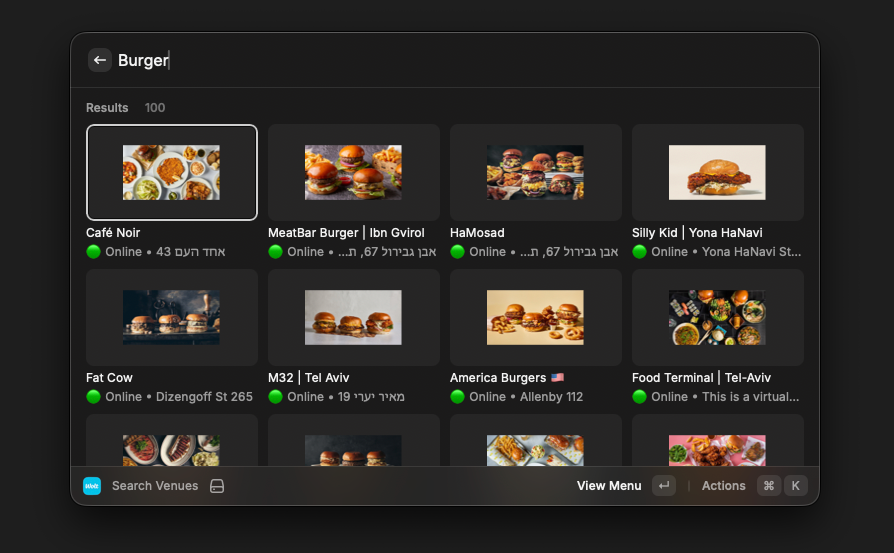
Over the past week, I was introduced to a tool called Raycast. Raycast is a macOS launcher that turns your keyboard into a control center for… pretty much everything.
Naturally, once I got comfortable with it, I started mapping my daily services into Raycast. Linear? Covered. Home Assistant? Of course. GitHub? Naturally.
This became sort of a game - looking for new extensions to try, as each one meant a new functionality incorporated into this tool I began to use daily.
Then I started thinking deeper - what tools don't have an extension, but an extension for them might be useful?
I immediately knew the answer - I wanted a Wolt extension! And since none existed, the only solution was to write it out myself.
Getting Wolt Data
The first order of business, even before I opened the docs for Raycast, was getting the relevant data from Wolt.
This is not my first time playing around with the Wolt API - I had previously wrote a Telegram bot that interacted with the API, and even made it into a private app a few months later.
But that was almost 4 years ago - I had no idea if the same API is still in use, and since Wolt does not provide a consumer facing API docs, I had no way of knowing if it changed.
Luckily for me, I didn't had to put in the hard work myself - Upon a short google search, I found a repo called PyWolt which had already implemented a lot of the required functionality. I played with the examples from the README, and was happy to learn that it works perfectly.
The only problem? Raycast extensions are written in Typescript, not Python, meaning that I couldn't just use the library as it is - I needed to rewrite it in Typescript.
Good thing we live in an AI age.
Rewriting a Python SDK in Typescript with Codex
As it just happened to be, it was only a few days ago when I read this articleby Simon Willison about using Codex, OpenAI's agentic coding tool, to port a Python library called JustHTML (itself written by coding agents) into Typescript.
This seemed to me like an interesting concept to play with, and an interesting detour from my main quest - but a one worth taking. My plan was simple, and it involved two steps:
- I will first generate a specs docs based on the existing Python implementation.
- I will then use this document to create a Typescript library.
As a side note, this is quite different from the approach used by Simon, who had just gave Codex access to the full library code. The reason I went with a different path is that unlike JustHTML, here I cared less about the actual library - it's just a wrapper around the Wolt API, and I cared more about the API itself than about the library.
Creating a Spec document
To kickoff the first step, I cloned the PyWolt repo and started Codex in it. I gave it a short prompt - read this codebase and produce a markdown documentation of the Wolt API and sent it on its way.
Along the process, I also asked it to add cURL examples and to run these examples by itself beforehand to ensure that they work and that the document is accurate.
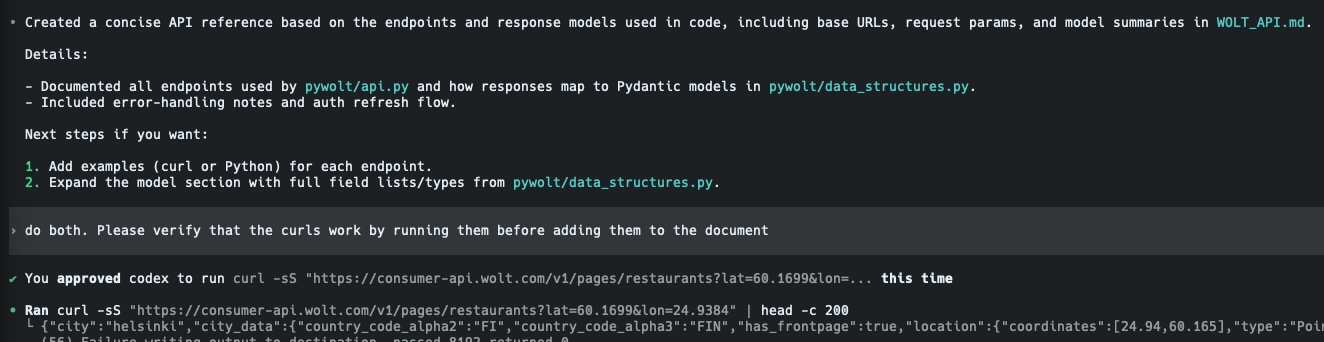
The completed document is available as a gist here.
Creating a library
For the actual implementation of the spec, I choose to again deviate from Simon's article and used Cursor with Composer 1 as the model. I had a good experience with it, its blazing fast, and since this project does not require a lot of heavy thinking, I figured I could get away with not using the SOTA thinking models in this project.

Much to my delight, this proved to be a good decision - as Composer 1 was able to effectively one-shot this task. The only missing item was tests, but after pointing it out Composer stepped up and finished the job.
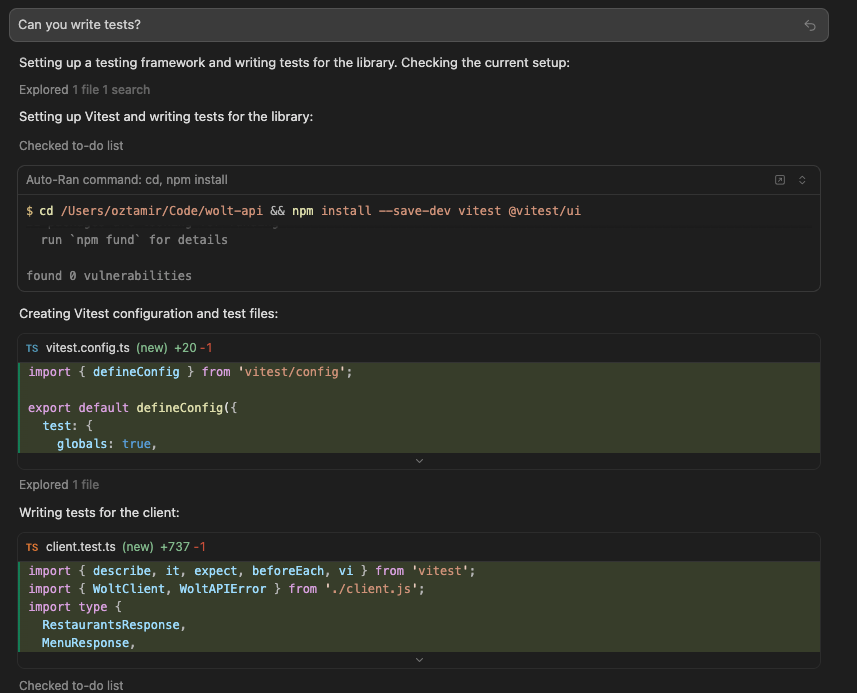
After ensuring that everything work, I used npm publish to push the library to npm, where it is now available to install. The source code is available here.
Creating a Raycast Extension
Once I had the library ready to go, it was time to get back to the main storyline - and start working on the Raycast extension.
I read the documentation and learned that in order to create a Raycast extension, one should - how convenient - use Raycast! This is done through a command called "Create New Extension", which opens a configuration dialog.
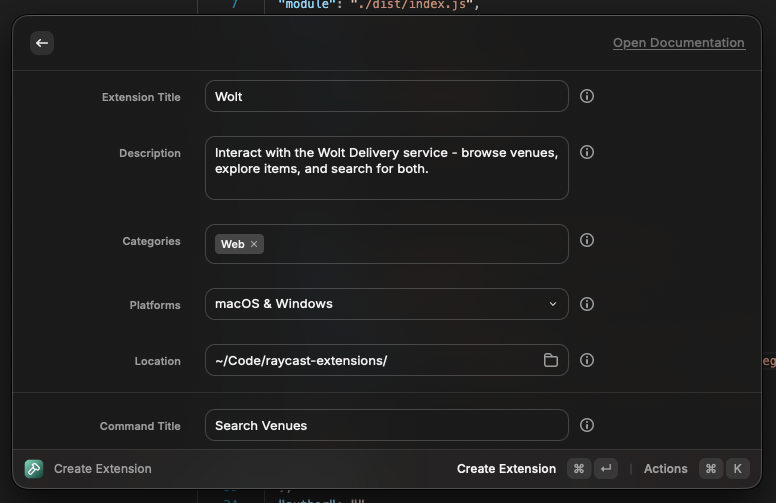
An interesting part of this process is that you can configure the commands and tools that will be made available through your extension through this creation command. While I will be adding multiple commands and tools, I elected to start with a simple one - venue search - in order to get acquainted with the SDK before diving into deep water.
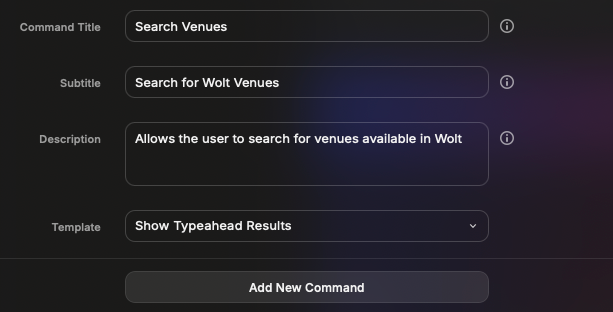
I let the wizard run, and was greeted with a new repository containing a template of a command that searches npm - exactly the same experience I wanted to replicate with my extension!
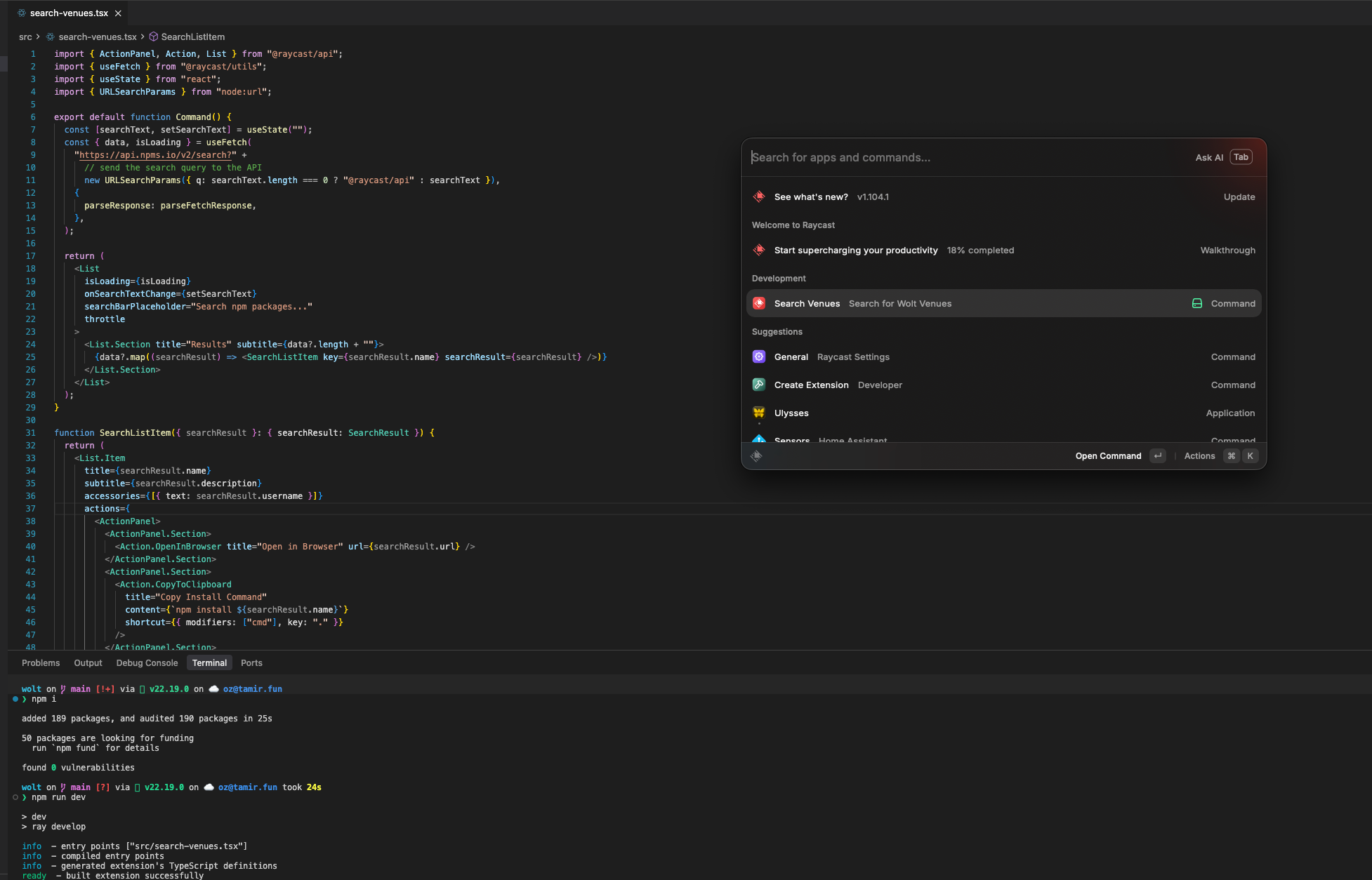
Implementing Commands and Tools
From that moment onwards, most of what I did was prompting an agent to wrap the library we wrote at the beginning with commands and tools.
The first tool I implemented was the venue search - and it was a delight to create, as the Raycast SDK is very easy to use. It was simply about getting a response from the API and rendering it into a list view.
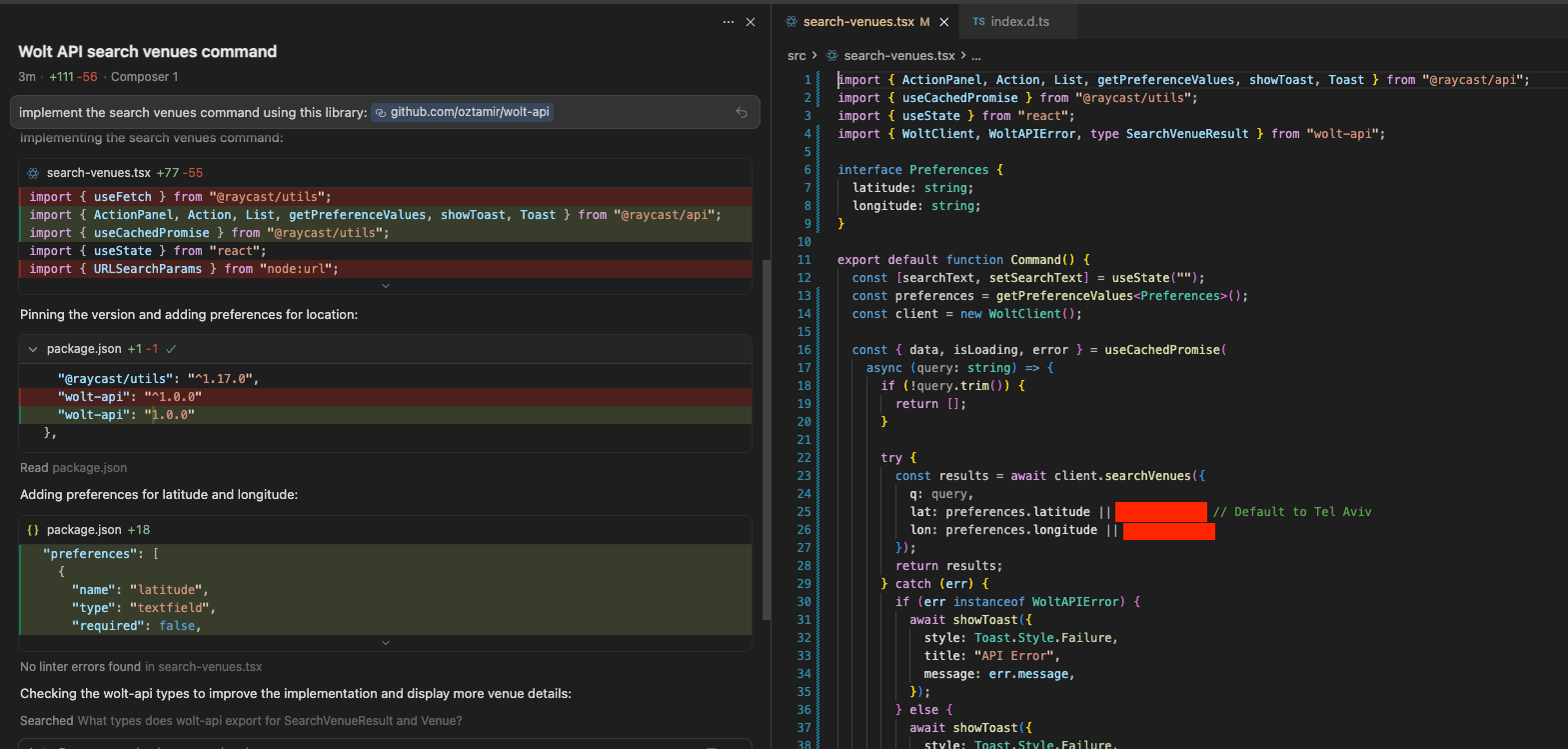
Once I added the basic commands, I started adding more and more functionality - I added a way to pick a city (using the Raycast preferences APIs), I allowed users to view the menu of a venue through the extension, and more.
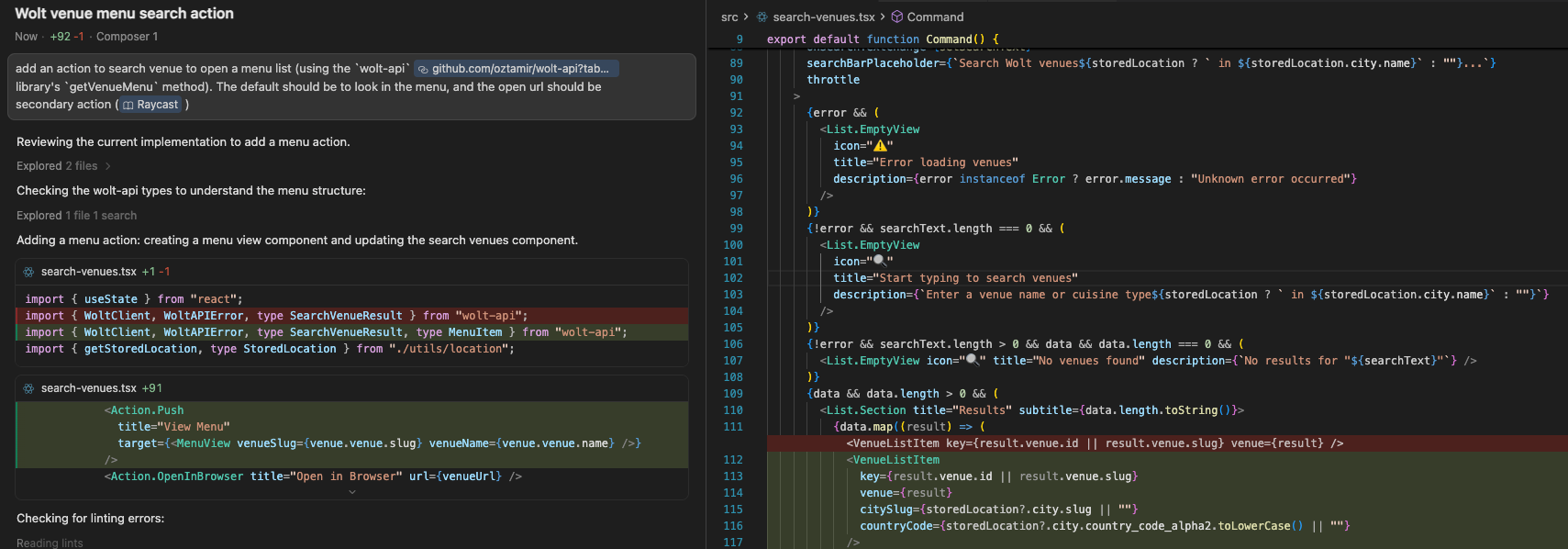
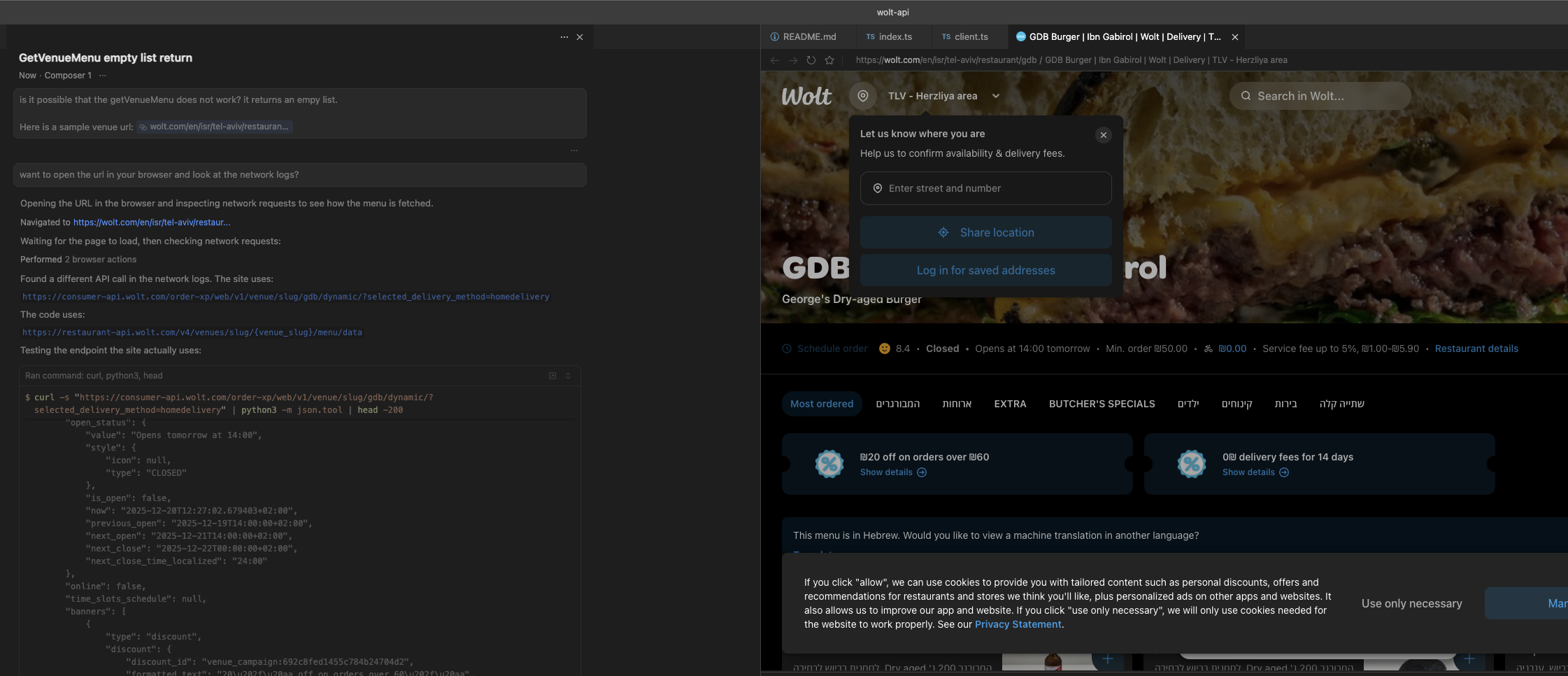
This was a really interesting experience because as I went along I found some issues in my library code. Luckily for me, I could simply use Cursor's browser tab to debug any API calls that did not work, which saved me a ton of time and effort.
Publishing the Extension
The last part of this process is to publish the extension to make it available in the Raycast Store.
Like the other steps in this process, this was also fairly easy - all it took was to run a pre-configured npm script that opens a pull request at the Raycast Extensions repository on Github.
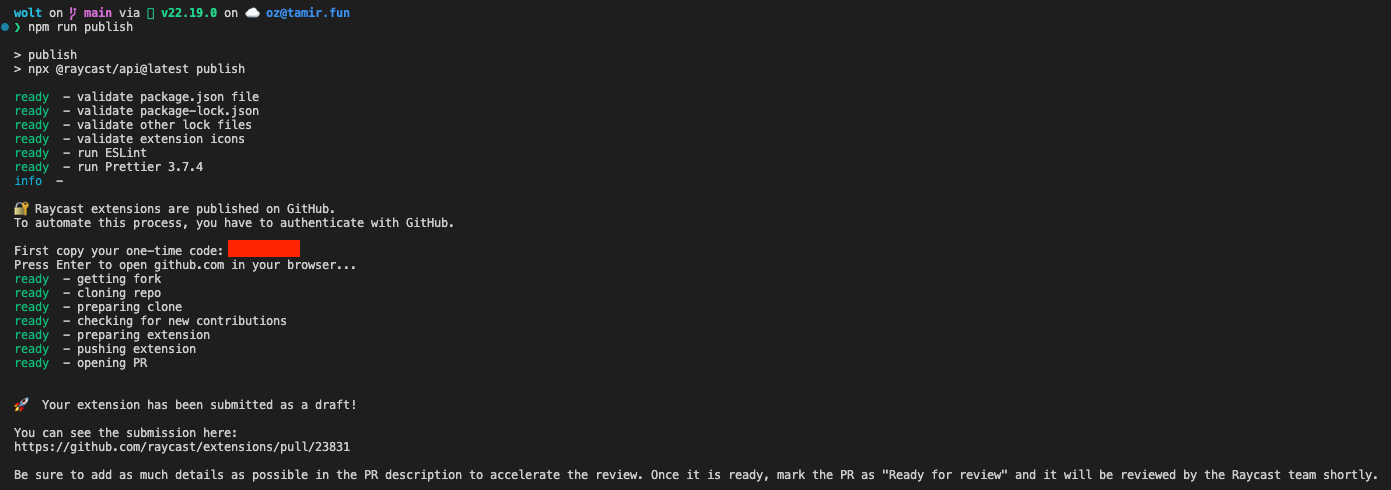
While this will (hopefully) be merge into the bigger repository soon, the code is also available on my personal repository.
Conclusion
This was a fun project, and I'm very happy with the result - while not the most practical thing in the world, this was a good experience for trying out Raycasts extensions.
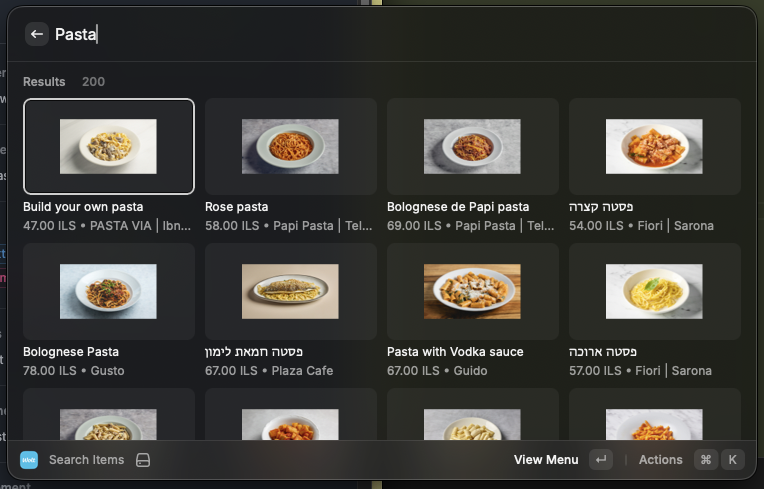
Additionally, I think that I might make a lot of use out of this API wrapper - I already have plans to play around with a Wolt MCP for automatic food ordering.
Stay tuned 👀
FIN